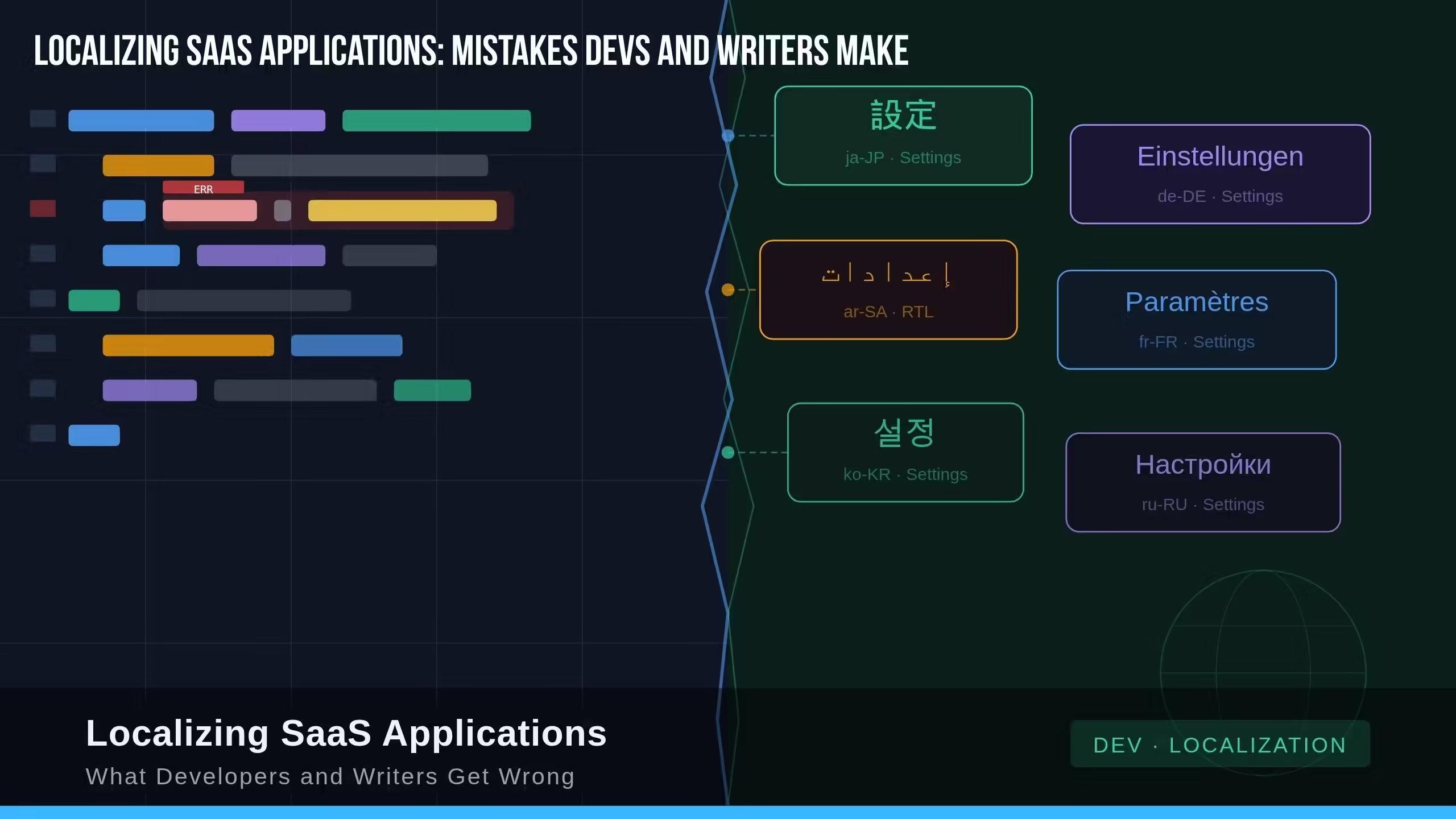
The demo goes live in Tokyo. Dates are formatted as MM/DD/YYYY. Currency shows a dollar sign. One nav label reads “Einstellungen”, a German string left over from a previous sprint, jammed against a truncated button that was clearly designed for shorter English text. The Japanese enterprise prospect says nothing. They just close the tab.
Nobody on the team saw it coming. The engineers shipped clean code, writers produced polished copy, translators did their jobs. And still, the product felt foreign, not because the words were wrong, but because the process was wrong.
This is what localization failure actually looks like in SaaS: not a dramatic mistranslation scandal, but a quiet accumulation of small decisions made by people who never thought about global users at all. A hardcoded date format here. An untranslatable idiom in the onboarding copy there, or a button width that never had room to grow.
Localizing SaaS applications is one of the most misunderstood disciplines in product development. Most teams treat it as a translation project with a start date and an end date. It is neither. It is an architectural posture, a content discipline, and an ongoing product function, and the mistakes happen long before a single string ever reaches a linguist.
This article breaks down exactly where developers and writers get it wrong, why it matters more than most teams realize, and what better looks like at every layer.
First, Understand What You Are Actually Doing
Before diagnosing the mistakes, it helps to clarify three terms that get used interchangeably in sprint planning docs and product roadmaps. They are not the same thing.
Translation converts text from one language to another. It changes words.
Localization (l10n) adapts a product for a specific locale. It changes the experience; date formats, currency symbols, cultural references, legal copy, even which colors signal trust or danger in a given market.
Internationalization (i18n) is the engineering work done before any translation begins. It designs software so it can support multiple locales without requiring structural code changes for each one.
Confusing these three does not create a terminology problem, it creates an execution problem. Teams that skip straight to translation and wonder why scaling to a second language costs three times as much as the first are paying the price for skipping i18n. According to data from Crowdin, attempting SaaS localization without a proper i18n foundation drives costs up by 3–5x. Delaying i18n post-launch carries a long-term penalty of 60–80% higher ongoing localization costs plus 2–3 years of lost market leadership. The foundation always determines the ceiling.
What Developers Get Wrong
Hardcoding User-Facing Strings
This is the most widespread and most expensive technical mistake in localizing SaaS applications. When developers embed text directly in component logic: <button>Submit</button>, alert("User not found"), title="Settings" every string becomes a surgical extraction problem later. Multiply that across a two-year-old codebase with four contributors and you are looking at weeks of archaeology before a translator sees a single word.
The fix is foundational: externalize all user-facing text into resource files (.json, .po, .xliff). Each string gets a key. Instead of "Welcome back!" hardcoded in a component, you use t('auth.welcomeBack'). The component no longer cares what language it renders in. This sounds obvious, it gets skipped constantly, especially on small strings and error messages which are exactly the strings that erode trust when they appear in English in the middle of a localized UI.
This is also why standardized localization formats matter. Microsoft’s localization file-format guidance describes XLIFF as a format for exchanging localizable resources between tools, keeping translatable text separate from source files and allowing translators to work without touching the original code structure.
String Concatenation
This one is subtle and brutal. Developers write logic like:
const message = "You have " + count + " items in your cart."
This works fine in English. It fails in every language where grammatical structure differs from English word order. German puts the verb at the end of a clause. Japanese puts the object before the verb. Concatenated strings hand translators fragments with no linguistic context, they are essentially untranslatable.
The correct approach uses ICU Message Format or an equivalent, giving translators a complete sentence template with named placeholders:
"cartItems": "You have {count, plural, one {# item} other {# items}} in your cart."
This also forces confrontation with the second concatenation trap: pluralization. English has two forms. Russian has four. Arabic has six. If pluralization logic is hardcoded for English’s binary singular/plural, every other language breaks silently. The ICU plural category system: zero, one, two, few, many, other; gives translators the grammar rules they need.
Ignoring Layout Flexibility
German text expands roughly 30% longer than its English source. Finnish and Hungarian can run even longer. Arabic and Hebrew read right-to-left. A UI designed exclusively around English string lengths will break in multiple directions at once.
Buttons should not have fixed pixel widths. Navigation labels need room to breathe. Containers should be tested with pseudo-localization: a technique where placeholder text mimics the character width and encoding of target languages before real translation begins. Catching a layout collapse in pseudo-localization takes minutes. Catching it in production, in a Japanese enterprise account, takes weeks of engineering time and an apology nobody wants to write.
RTL support deserves its own flag in the i18n roadmap. CSS logical properties: margin-inline-start instead of margin-left, padding-inline-end instead of padding-right make this significantly less painful when built in from the start rather than retrofitted after the fact.
Treating Locale as a Display-Layer Problem
Locale is not a stylesheet. It affects business logic. The date 05/06/07 means June 7, 2005 in Japan, May 6, 2007 in the US, and June 5, 2007 in most of Europe. Number separators are inverted between German and English conventions. Pricing must reflect local tax display norms: Germany shows VAT-inclusive prices; the US shows pre-tax. Address field structures differ by country. Phone number formats differ by region.
None of this is a translation issue. All of it needs to be handled at the data and logic layer, using locale-aware libraries rather than format strings assembled at render time.
What Writers and Content Teams Get Wrong
Writing Source Copy That Cannot Be Localized
Technical writers and UX copywriters set the ceiling for every language that follows. If the English source is idiomatic, assumes Western context, or relies on wordplay, the localized versions will either sound awkward or cost a fortune to adapt properly.
Phrases like “let’s get the ball rolling,” “out of the box,” or “circle back” are invisible to native English speakers and genuinely difficult to translate for most linguists without losing meaning entirely. The same goes for culturally embedded metaphors, puns in feature names, and humor that depends on English phonetics.
The fix is straightforward: write source copy with localization in mind from the first draft. Use plain language. Favor direct, complete sentences over headline fragments. Fragments often drop grammatical cues that translators need to determine gender, tense, and case. Avoid idioms unless you are willing to budget for creative adaptation in every target locale.
Sending Strings Without Context
This is the most consistently cited mistake among localization professionals. When a translator receives the string "Charge" with no additional information, they cannot tell if it means a financial transaction, a battery level, or a database write operation. The string "Check-in" could be a button, a status indicator, or a noun phrase. Without a screenshot, a usage note, or a character limit, the translator is guessing, and a wrong guess on a billing CTA has direct revenue consequences.
Every string handed to a translation workflow should include: where it appears in the UI, what action or state it describes, any character limit constraints, and a screenshot if one exists. Every major translation management system, Lokalise, Phrase, and Crowdin, supports contextual metadata. The problem is not tooling availability. It is the discipline of populating that metadata before the handoff, not after the rework comes back.
Treating Localization as a One-Time Release Task
SaaS products ship continuously. Features are added weekly. Error messages are revised. Onboarding copy evolves with every A/B test. When localization is treated as a project milestone rather than a continuous workflow, translated versions fall behind the English source almost immediately.
Users in localized markets end up with a mixed-language interface, their language for established features, English for everything new. This is not a small cosmetic issue. It signals, loudly, that they are second-class users.
The answer is continuous localization: integrating translation workflows directly into the CI/CD pipeline so that new or updated strings trigger translation automatically when a developer pushes. Git integrations in tools like Crowdin, Phrase, and Transifex make this operational rather than aspirational. When the engineering release cycle and the localization cycle run in parallel, you get simultaneous global launches. When they are decoupled, you get a perpetually outdated product for your non-English users.
The Structural Problem Underneath All of It
Most of the mistakes above share a common origin: localization has no owner until it becomes a crisis.
In the design sprint, it is nobody’s job to verify the component supports RTL, in the content review, it is nobody’s job to flag an untranslatable idiom. In the engineering standup, it is nobody’s job to confirm that a new error message has been externalized and keyed. So these gaps accumulate quietly, sprint after sprint, until the Tokyo demo goes sideways and suddenly it is everyone’s problem at once.
The organizations that scale globally without painful rework have done one structural thing differently: they embedded localization ownership into product development before it became urgent. That means a localization lead with a seat at the product table, a shared glossary enforced at the TMS level, and a standing checklist; no new feature ships without an i18n review.
It Is a Systems Problem, Not a Language Problem
Localizing SaaS applications looks like a language challenge from the outside. From the inside, it is a systems design challenge with a language-shaped surface.
The translator cannot fix a hardcoded string. The writer cannot untangle a concatenated sentence after the fact. The product manager cannot retroactively build RTL support into a layout that was never designed for it. Every one of these problems is seeded at the source in architecture decisions, content choices, and workflow assumptions made by people who were not thinking about global users at the time.
The good news is that none of these mistakes requires heroics to prevent. Externalize your strings early. Write source copy in plain, translatable language. Give translators context, not just words. Build localization into your release pipeline rather than scheduling it as a separate sprint. Assign ownership before the crisis arrives.
Do those things, and the translation itself, the part most people treat as the whole job, becomes the easy part.