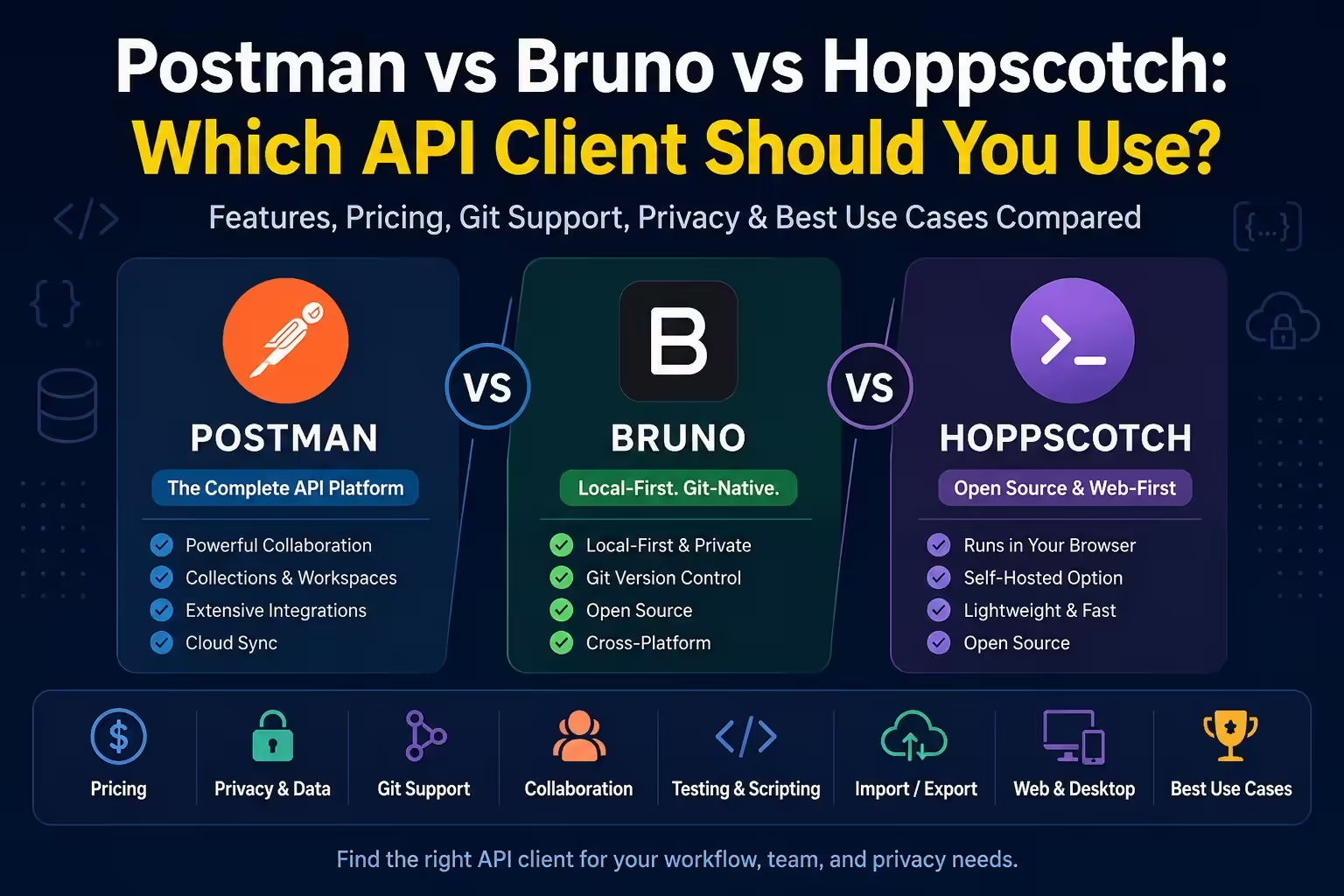
If you are comparing Postman vs Bruno vs Hoppscotch, start with the workflow decision. Postman is a platform for teams that manage APIs together. Bruno is a local-first client that fits naturally inside a Git repo. Hoppscotch is the fast, web-first option when you want a lightweight client you can run in the browser, on desktop, or self-host.
This page stays focused on the three-way choice. For a wider shortlist that also covers Insomnia, Apidog, Thunder Client, HTTPie and Yaak, use the broader Postman alternatives guide after you decide what kind of workflow you want.
Postman vs Bruno vs Hoppscotch: Quick Recommendation
| Use case | Best pick | Why |
|---|---|---|
| You work in a team that needs governance, mocks, monitors, docs and a mature API lifecycle platform. | Postman | It is still the most complete option when collaboration, testing, documentation and operations all need one managed system. |
| You want requests, environments and tests stored beside code and reviewed in pull requests. | Bruno | Its local-first collection model and Git workflow make it the cleanest fit for repo-owned API testing. |
| You want a lightweight web client, quick API checks, self-hosting, or extra real-time protocols. | Hoppscotch | It starts fast in the browser, has a desktop app and CLI, and supports self-hosted ownership when you need it. |
Postman vs Bruno vs Hoppscotch at a Glance
| Criteria | Postman | Bruno | Hoppscotch |
|---|---|---|---|
| Primary model | Cloud API platform with desktop, web and local/Git workflows | Desktop API client with local filesystem collections | Web-first API client with desktop, CLI, cloud and self-host options |
| Best fit | Organizations managing APIs across teams | Developers who want collections as code | Developers who want quick requests, self-hosting or browser access |
| Pricing checked Sept. 1, 2026 | Free, Solo $9/mo annually, Team $19/user/mo annually, Enterprise $49/user/mo annually via Postman pricing | Open Source $0, Pro $6/user/month annually, Ultimate $11/user/month annually via Bruno pricing | Free plan, Organization $6/user/month annually via Hoppscotch pricing |
| Local/offline use | Possible through Lightweight API Client and Native Git, but many platform features depend on account/cloud workflows | Core model is local-first and works from files on disk | Web app can be quick and local-browser based; desktop and self-host cover more controlled setups |
| Git/version control | Native Git exists on the desktop app and requires sign-in | Designed around file-based collections and Git | Can export/import JSON; self-host/cloud handles collaboration more than Git-native diffs |
| Testing and scripting | Deep JavaScript testing, collection runners, mocks, monitoring and CI options | Tests, scripting, collection runner and CLI for project workflows | Scripts and Chai-style assertions; Postman script compatibility is useful but not complete |
| Migration from Postman | Imports from other clients including Hoppscotch and Insomnia | Imports Postman collections/environments and translates common pm APIs | Imports Postman collections/environments; script import is experimental and some advanced settings are not imported |
Postman vs Bruno vs Hoppscotch?
Choose Postman when API work is a shared production system. It is strongest when you need mocks, monitors, docs, RBAC, audit trails, collection runners, API catalogs, AI-assisted workflows and a familiar collaboration layer in one place.
Use Bruno when the API client should behave like part of the codebase. If your team wants requests reviewed in Git, secrets kept out of cloud sync by default and API test files sitting beside the service they test, Bruno is the most natural fit.
Choose Hoppscotch when speed, access and flexibility matter more than deep lifecycle tooling. It is a strong choice for quick testing, education, self-hosted teams, browser-first workflows and real-time protocols that are annoying to juggle across multiple tools.
Postman

Postman is no longer just the app where you paste a URL and hit Send. It is a broader API platform now: API client, specs, mock servers, Native Git, runners, AI credits and paid collaboration tiers all sit in the same product surface. That is useful when API work spans more than one developer, but it can feel heavy if you only need a fast local client.
That breadth is the main reason to stay with it. Scripts, test assertions, collections, manual runs and automated test flows are part of the same workflow. Postman also handles mock servers for simulating endpoints before a backend is ready, which neither Bruno nor Hoppscotch replaces as cleanly inside one product.
- Best for: teams that need one API lifecycle platform rather than only a request client.
- Strengths: collaboration, testing depth, mocks, monitors, documentation, imports, governance and a huge ecosystem.
- Trade-offs: more account/platform overhead, higher team pricing and a heavier workflow if all you need is a local request client.
Postman Local and Git Workflow
Postman is not simply “cloud only,” but the local story has boundaries. Signed-in workspaces are built around sync, while restricted-cloud teams usually look at Native Git, the Lightweight API Client or Newman. Native Git is useful, but it is a desktop-app workflow and still belongs to Postman’s local/cloud model.
So Postman can support local and Git-aware workflows, but it is not as direct as Bruno’s “folder of API files in your repo” model. If your team already lives inside Postman, Native Git may be enough. If you are choosing from scratch for a repo-first team, Bruno is simpler.
Bruno

Bruno is the sharpest answer to the developer complaint that API clients became too cloud-heavy. The workflow starts with a collection in a local folder, so requests and environments can live next to the code they exercise. That makes Bruno feel less like a separate workspace and more like part of the repository.
The practical difference is reviewability. Bruno collections can sit beside your application code, Git can show what changed, and the CLI can run the same collection in automation. Bruno covers the expected client surface too: HTTP, REST, GraphQL, gRPC, testing, documentation, scripting, secret management, history and native Git integration.
- Best for: solo developers and engineering teams that want API requests versioned like code.
- Strengths: local files, Git workflow, clean migration path from Postman, CLI runs and fewer cloud assumptions.
- Trade-offs: collaboration is Git-centered, not a real-time cloud workspace; some deeper Git/provider features and enterprise controls are paid.
Bruno Migration Notes
Bruno can import Postman collections and environments, including common script APIs such as pm.test, pm.environment, pm.globals, pm.collectionVariables and pm.response. Treat that as a migration accelerator, not a guarantee that every Postman workspace will run unchanged.
That means a simple Postman collection can move quickly. A heavily scripted workspace should be treated like a small migration project: export, import, run the collection, fix unsupported script calls and check that secret handling matches your repo policy.
Hoppscotch

Hoppscotch is the best pick when you want the client to be easy to access from anywhere. The official quick start covers Hoppscotch Cloud, Self-Host, Web App, Desktop App and CLI. The Community Edition is MIT licensed, and the desktop app is available for Mac, Windows and Linux.
Its biggest advantage is flexibility: open the web app for a quick check, install the desktop app when browser limits get in the way, use CLI runs in CI, or self-host when data ownership matters. It also has a broader “quick testing across protocols” feel than Bruno, especially for teams that value web access and self-hosting over Git-native files.
- Best for: quick API checks, browser-first workflows, self-hosted teams and developers who want a lightweight open-source client.
- Strengths: web app, desktop app, CLI, self-hosting, unlimited free-plan basics and collaboration options.
- Trade-offs: browser/CORS friction can appear, JSON-style collection movement is less pleasant in Git than Bruno, and Postman script compatibility is not complete.
Hoppscotch Migration Notes
Hoppscotch imports Postman collections and environments, but migration has real limits. Advanced authorization setups and collection-level settings do not come across, Postman script import is experimental, and runtime features such as pm.visualizer, pm.iterationData and pm.execution.setNextRequest() are not supported.
For ordinary REST collections, that may be fine. For collections that depend on chained execution, visualizers or complex Postman runtime behavior, budget time to retest the workflow instead of assuming a perfect import.
Postman vs Bruno vs Hoppscotch: What Developers Actually Care About
In practice, this decision usually comes down to a handful of constraints: account requirements, cloud sync, pricing per seat, local/offline work, Git reviewability, performance, migration friction and whether you want a focused client or a full API platform.
That is why this comparison should not crown one universal winner. Postman, Bruno and Hoppscotch are optimizing for different jobs.
| Question | Pick |
|---|---|
| Do you need enterprise collaboration, audit controls, monitors, mocks and hosted docs? | Postman |
| Do you want collections committed beside application code? | Bruno |
| Do you want a browser-first client or self-hosted team workspace? | Hoppscotch |
| Do you want the simplest personal replacement for day-to-day REST calls? | Bruno or Hoppscotch |
| Do you already have complex Postman tests and monitors? | Usually Postman, unless you are ready to migrate and rebuild pieces |
| Do you teach APIs or switch between machines often? | Hoppscotch |
Privacy and Data Handling
Bruno is the clearest local-first option because its core workflow stores collections on your filesystem. You decide whether a collection goes into Git, and your team can handle secrets the same way it handles app secrets.
Hoppscotch gives you more deployment choices. You can use the hosted cloud, keep work in the browser/client flow for lighter use, or self-host when ownership matters. Its environment docs distinguish regular and shared variables, which is important because shared values can be visible to workspace members.
Postman gives you the most centralized platform, which is helpful for governance but also means administrators need to understand cloud sync, vaults, workspace permissions and what should stay local. Postman Local Vault keeps vault secrets in the local instance and does not sync them to Postman Cloud, but that is only one part of the larger platform model.
Testing, Scripting and CI
Postman is strongest when test automation is part of a larger API lifecycle. It has mature scripting, collection runners, mock servers, monitoring and CLI paths.
Bruno is strong when CI should run the same collection files developers edit in the repo. The workflow is easy to reason about: review the API file change, run it with the CLI, and keep the test beside the service.
Hoppscotch can run collections with its CLI, but CI plans need a quick compatibility check. Node.js requirements matter, and not every Postman runtime feature is supported. It is capable, but you should validate scripted imports before relying on them in CI.
Final Recommendation
Use Postman if your API workflow is already organizational: shared workspaces, documentation, mocks, monitors, cataloging, governance and non-developer stakeholders all matter.
Bruno is great if your API workflow is engineering-first: requests live beside code, changes go through Git, and you would rather keep the tool small than bring in a full platform.
Use Hoppscotch if your API workflow is access-first: open a browser tab, test quickly, self-host if needed and keep a lightweight client available across machines.
The cleanest Postman vs Bruno vs Hoppscotch split is this: Postman is the platform, Bruno is the repo-native client, and Hoppscotch is the web-first/self-hostable client. Pick the one that matches where your API work should live.