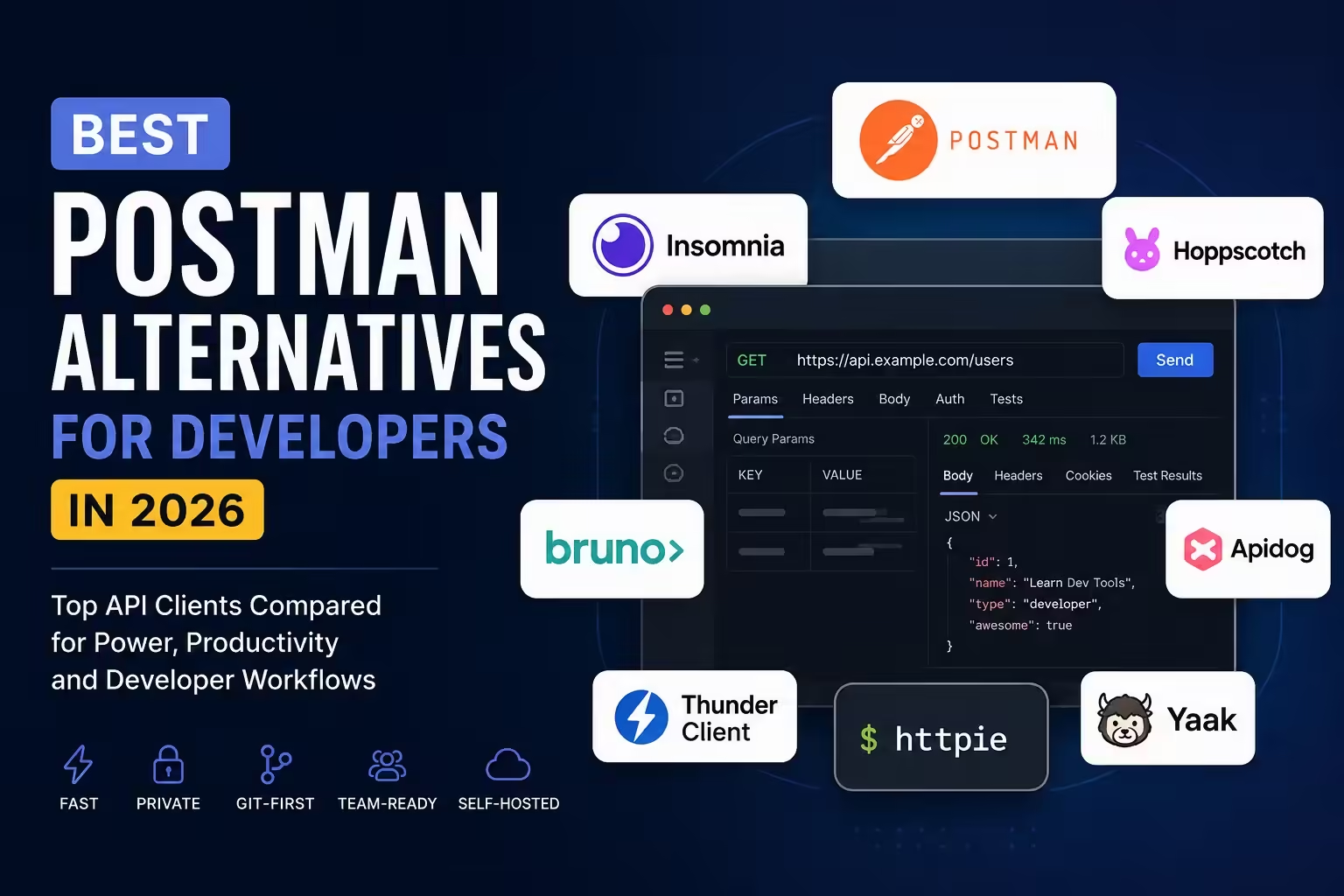
Postman is still a capable API platform. The reason developers keep looking for Postman alternatives is narrower: they want faster request work, clearer ownership of API files, better Git reviews, less account friction, or pricing that does not punish a small team for sharing collections.
If you only need to send requests, a lightweight client may feel dramatically better. If your team depends on hosted docs, mocks, monitors, governance, shared workspaces and non-developer collaboration, replacing Postman is a systems decision, not just an app preference.
Quick Answer
- Best overall for most developers leaving Postman: Bruno.
- Best local and Git-first workflow: Bruno.
- Best browser-based option: Hoppscotch.
- Best self-hosted open-source option: Hoppscotch.
- Best polished desktop replacement: Insomnia.
- Best API design and documentation workspace: Apidog.
- Best editor-native option: Thunder Client or .http files in VS Code.
- Best lightweight command-line companion: HTTPie.
This guide compares API clients and API workflow tools. That is different from choosing programmable APIs themselves. For that separate decision, see our guide to AI APIs for developers.
Best Postman Alternatives Compared
| Tool | Best for | Open source | Local/offline | Git-friendly | Web/Desktop | Self-host | CLI/CI | Postman import | Free option |
|---|---|---|---|---|---|---|---|---|---|
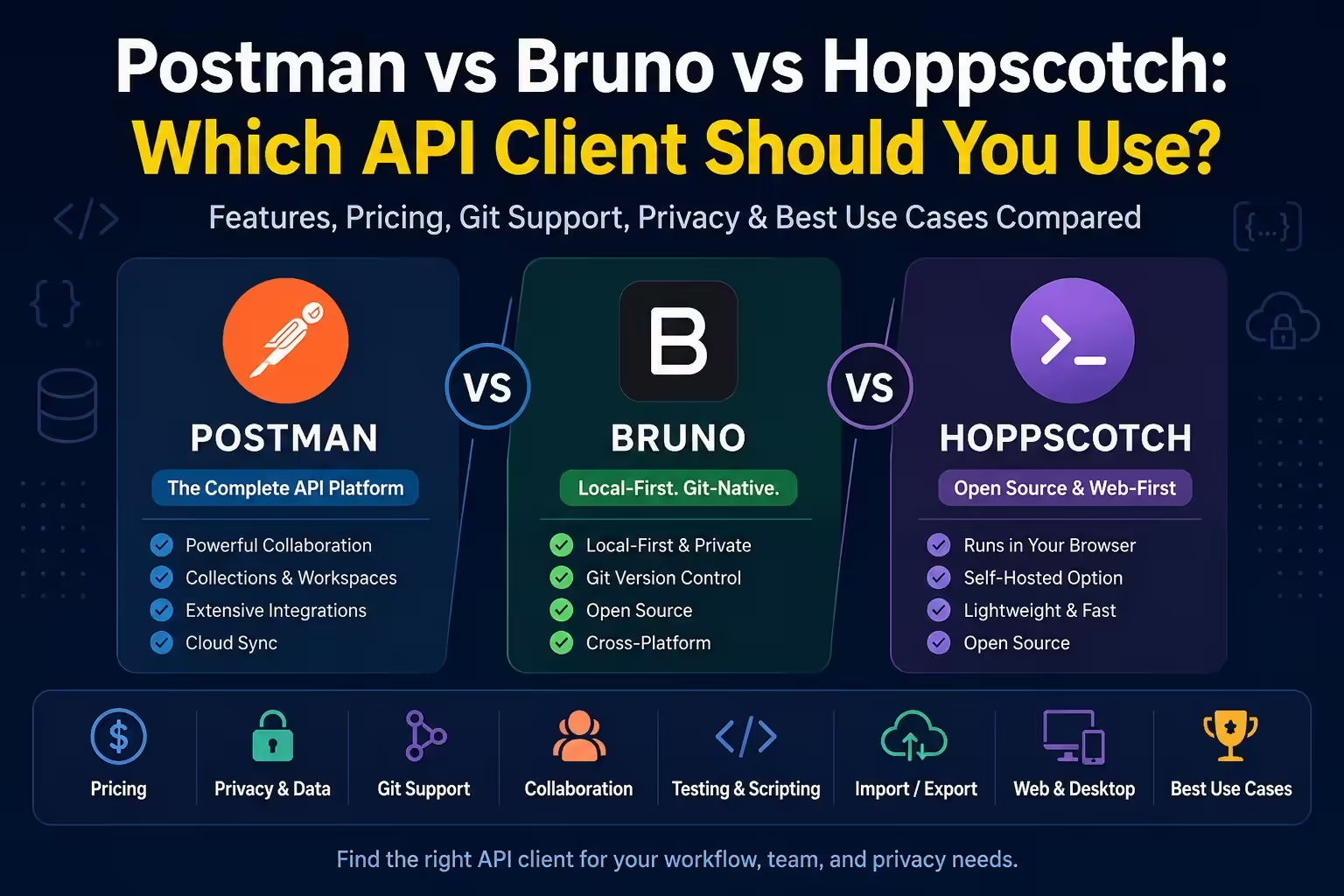
| Bruno | Local-first API work in Git | Yes | Yes | Strong | Desktop | No | Yes | Yes | Yes |
| Hoppscotch | Browser API testing and self-hosting | Yes | Partial | Limited | Web/Desktop | Yes | Yes | Yes | Yes |
| Insomnia | A polished multi-protocol desktop client | Yes | Yes | Yes | Desktop | No | Yes | Yes | Yes |
| Apidog | Design, docs, mocks and team API lifecycle | No | Limited | Team workflow | Web/Desktop | Enterprise/on-prem options | Yes | Yes | Yes |
| Thunder Client | Requests inside VS Code or JetBrains | No | Yes | Paid | IDE extension | No | Paid | Paid import | Yes |
| HTTPie | Fast terminal, web and desktop requests | Yes for CLI | Yes for CLI/local modes | Limited | CLI/Web/Desktop | No | CLI native | Yes | Yes |
| Yaak | Local-first desktop work without cloud sync | Yes | Yes | Yes | Desktop | No | No official CI focus | Migration docs | Personal use free |
| REST Client / .http | Executable requests beside code | Extension source available | Yes | Strong | VS Code | No | Editor-based | No full migration | Yes |
How To Choose
A good Postman replacement should fit the way your team changes APIs. Look at data location first. Then look at collaboration, import fidelity, scripting, CI, and the cost of teaching everyone a new workflow.
- Choose a local-first client when API collections should live beside code.
- Choose a browser client when quick access matters more than file ownership.
- Choose a full API workspace when docs, mocks, design reviews and test management matter.
- Choose an editor workflow when requests are small, repo-bound and mostly developer-owned.
- Stay with Postman when the platform features are saving more time than the subscription costs.
1. Bruno

Bruno is the strongest default recommendation because it treats API collections like development artifacts. Requests live as local files. That makes diffs, pull requests and branch reviews feel natural instead of bolted on after the fact.
That local file model is the point. Bruno’s docs describe it as Git-friendly, local-first and open-source. Its variable model also keeps scope visible: global, environment, collection, folder, request and runtime variables all have defined precedence, while process environment variables can keep secrets out of collection files.
Bruno’s pricing page lists Open Source at $0, Pro at $6 per user/month billed annually, and Ultimate at $11 per user/month billed annually. Advanced team features such as broader Git UI actions, reporting, SSO, SCIM and audit logs move into paid tiers.
Migration is realistic for many Postman users because Bruno documents Postman migration. Still, import support is not the same as platform parity. Recheck scripts, auth, environments, runner behavior, docs and mocks before moving a serious workspace.
- Choose Bruno if you want local files, Git review and a focused API client.
- Avoid Bruno as the only tool if your team needs hosted documentation, shared mock servers, broad non-Git collaboration or centralized governance.
2. Hoppscotch

Hoppscotch is the best browser-based Postman alternative. It is quick to open, useful for REST and GraphQL work, and strong when a team wants a web client that can also be self-hosted.
Hoppscotch’s pricing page lists a Free plan at $0 and an Organization plan at $6 per user/month billed annually. Its importer documentation says Postman collections and environments can be imported, with script import marked experimental and limits around advanced authorization and collection-level settings.
The self-hosted path is real, but not free labor. The Community Edition installation docs include Docker, environment variables, database configuration and authentication setup.
3. Insomnia

Insomnia is the closest polished desktop replacement for developers who want more than a minimal request sender. It supports REST, GraphQL, gRPC, WebSocket, Socket.IO and SSE, and it has serious design, mock, testing and CLI features.
Insomnia’s pricing page lists Essentials at $0, Pro at $12 per user/month, and Enterprise at $45 per user/month for self-serve teams up to 50 users. The free plan includes Local and Cloud projects, Inso CLI access, and Git Sync projects for up to three users.
The best part of Insomnia’s positioning is that it makes storage choices explicit. Its storage documentation explains Local Vault, Scratch Pad, Cloud Sync and Git Sync. Its import/export reference verifies Postman v2.0/v2.1 import, OpenAPI, HAR, WSDL, cURL and Inso CLI workflows.
4. Apidog

Apidog is best when the problem is bigger than sending requests. It combines API design, debugging, documentation, mocks, test scenarios, reports and CI workflows.
The official Apidog docs cover endpoint design, request debugging, API testing, documentation publishing, mocks, branches and CLI workflows. Its CLI documentation describes commands for tests, project resources, environments, variables, import/export and CI/CD.
For migration, Apidog documents import from Postman. Check the live Apidog pricing page before buying, because team limits and paid features are time-sensitive.
5. Thunder Client

Thunder Client is the best fit when API requests belong inside VS Code or JetBrains. It is especially useful for developers who want less context switching and already organize debugging work around the editor.
The Thunder Client pricing page lists Free at $0, Starter at $3 per user/month billed annually, Business at $7, and Enterprise at $16. The caveat is important: the docs say import/export is paid, and the get-started page says Git Sync and CLI/CI are paid features.
6. HTTPie

HTTPie is not a complete Postman replacement. It is a very good companion for readable command-line requests and quick API checks. The web and desktop clients extend that style for people who like HTTPie’s interface but do not want to stay only in a terminal.
The HTTPie web and desktop docs cover methods, headers, auth, bodies, GraphQL, variables, environments, imports from Postman and Insomnia, and local/incognito-style usage.
7. Yaak
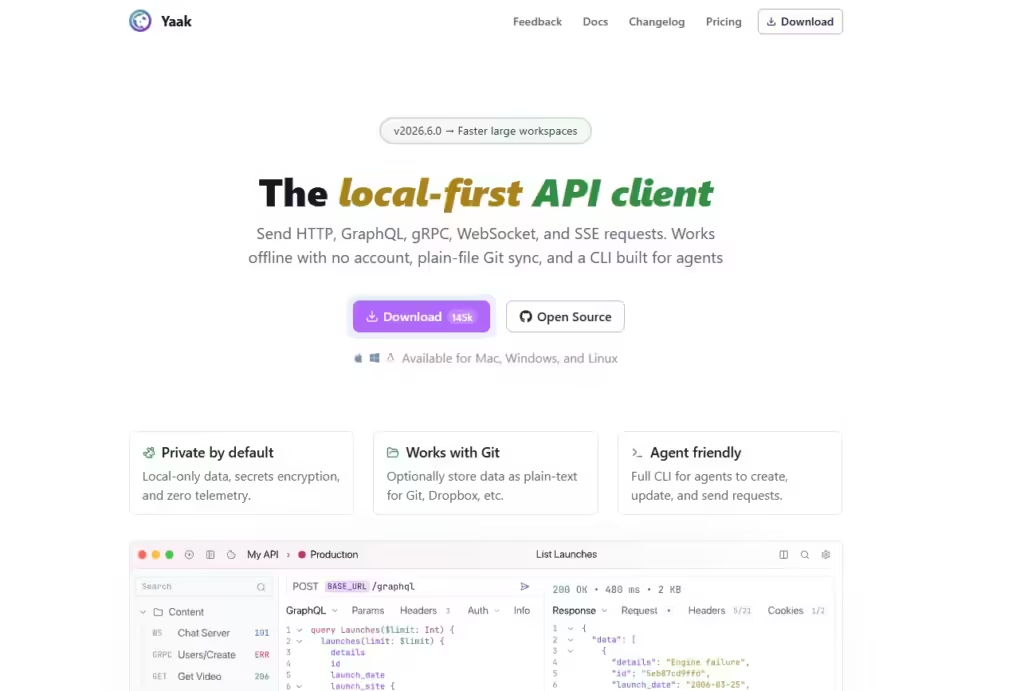
Yaak is a focused local-first desktop API client. It is a good candidate for developers who want a private desktop workflow and do not need a large cloud collaboration layer.
Yaak’s commercial-use pricing post says the source remains MIT licensed, personal use is free, and commercial use of prebuilt signed binaries requires a paid license. That model is worth understanding before a company standardizes on it.
8. REST Client and .http File Workflows
Sometimes the best Postman alternative is a plain request file. The REST Client extension for VS Code lets developers send HTTP and GraphQL requests from .http or .rest files, use variables, handle auth, run cURL-style snippets and keep examples in the repository.
This is a narrow but durable workflow. It will not replace a complex Postman workspace, but it is excellent for executable examples near the code. If those requests become part of release checks, pair them with the wider automation thinking in our DevOps tools guide.
What About Postman Itself?
Postman still wins when the API work has many stakeholders. Its current pricing page lists API client features, specs, mock servers, native Git, collection runner, monitoring, docs, CLI, governance and enterprise controls across its plans.
Do not switch just because a lighter client feels nicer for personal work. Stay with Postman if shared workspaces, hosted docs, mocks, monitors, API catalogs, governance or non-developer collaboration are central to your team.
How Hard Is It To Migrate From Postman?
Simple collections are usually manageable. Mature workspaces are different. Audit environments, secrets, pre-request scripts, tests, monitors, docs, mocks, permissions and CI jobs before you commit to a migration.
- Bruno documents Postman migration, but scripts, auth, variables and runner behavior still need validation.
- Hoppscotch imports Postman collections and environments, but script import is experimental and advanced settings have limits.
- Insomnia imports Postman v2.0/v2.1 collections and supports environments, but complex workspace structure should be reviewed.
- Apidog is strongest when imported requests become designed, documented and tested API projects.
- Thunder Client supports Postman import only in the paid version.
- HTTPie and .http files are better for selective migration than full workspace migration.
Recommended Picks
- Best overall: Bruno.
- Best local/Git-first workflow: Bruno.
- Best browser option: Hoppscotch.
- Best self-hosted/open-source option: Hoppscotch.
- Best full desktop replacement: Insomnia.
- Best API design and documentation workspace: Apidog.
- Best inside VS Code or JetBrains: Thunder Client.
- Best lightweight companion: HTTPie.
FAQ
What is the best free Postman alternative?
Bruno is the best free local-first Postman alternative for most developers. Hoppscotch is the best free browser option, and Insomnia Essentials is strong if you want a polished desktop client with local, cloud and limited Git collaboration options.
Which Postman alternative works without an account?
Bruno and Yaak are the clearest local-first choices. Insomnia also documents a local-only Scratch Pad option. Always separate request-data storage from paid licensing and team sync features.
Which alternative is best for Git?
Bruno is the cleanest Git-first choice because local files are central to the product. Insomnia Git Sync is also serious, especially if you want a broader client with multiple storage modes. .http files are the simplest repo-native option for small examples.
Is Hoppscotch better than Postman?
Hoppscotch is better if you want a browser-first, open-source, self-hostable API client. Postman is usually better if your organization needs shared workspaces, monitoring, hosted docs, mocks, governance and enterprise controls.
API clients are starting to intersect with AI coding workflows, but that should not drive this choice by itself. If your main question is coding productivity, compare AI coding assistants separately from Postman alternatives.